Three fixes from the onboarding walk
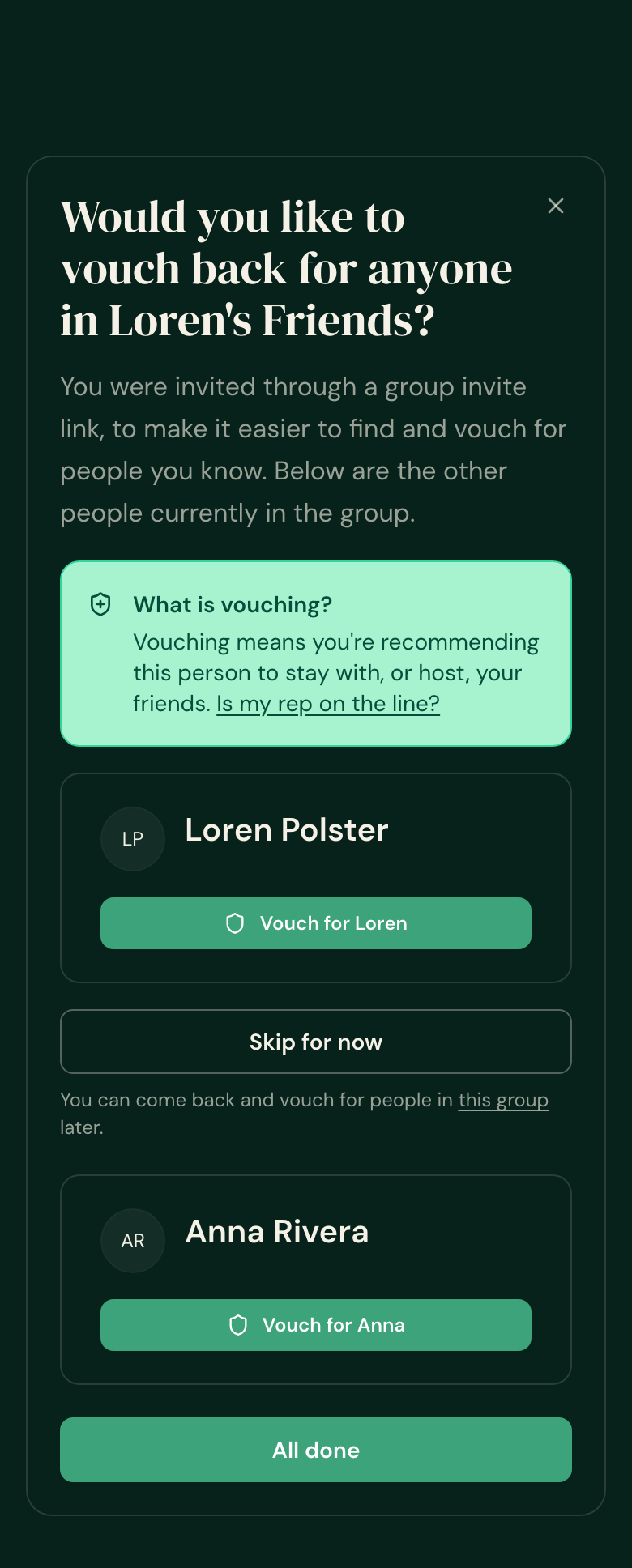
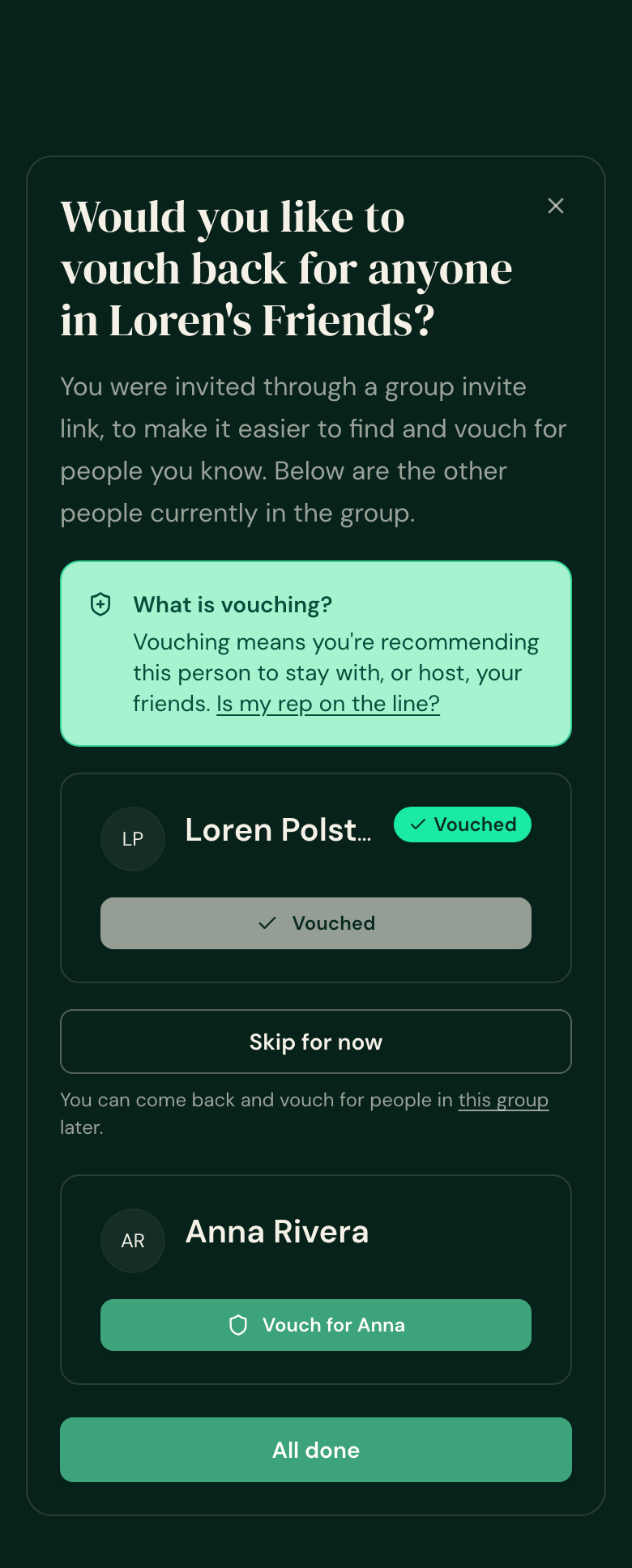
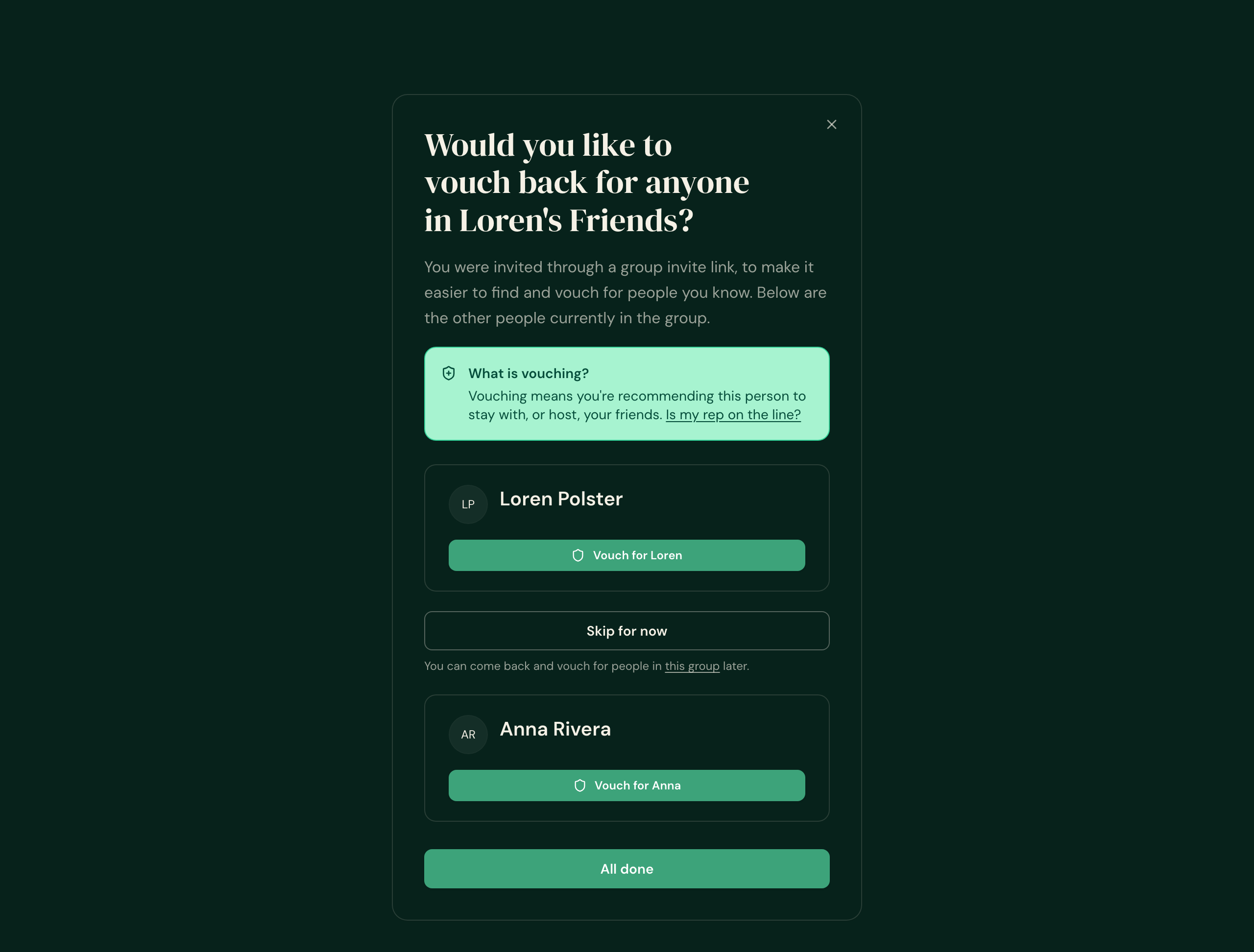
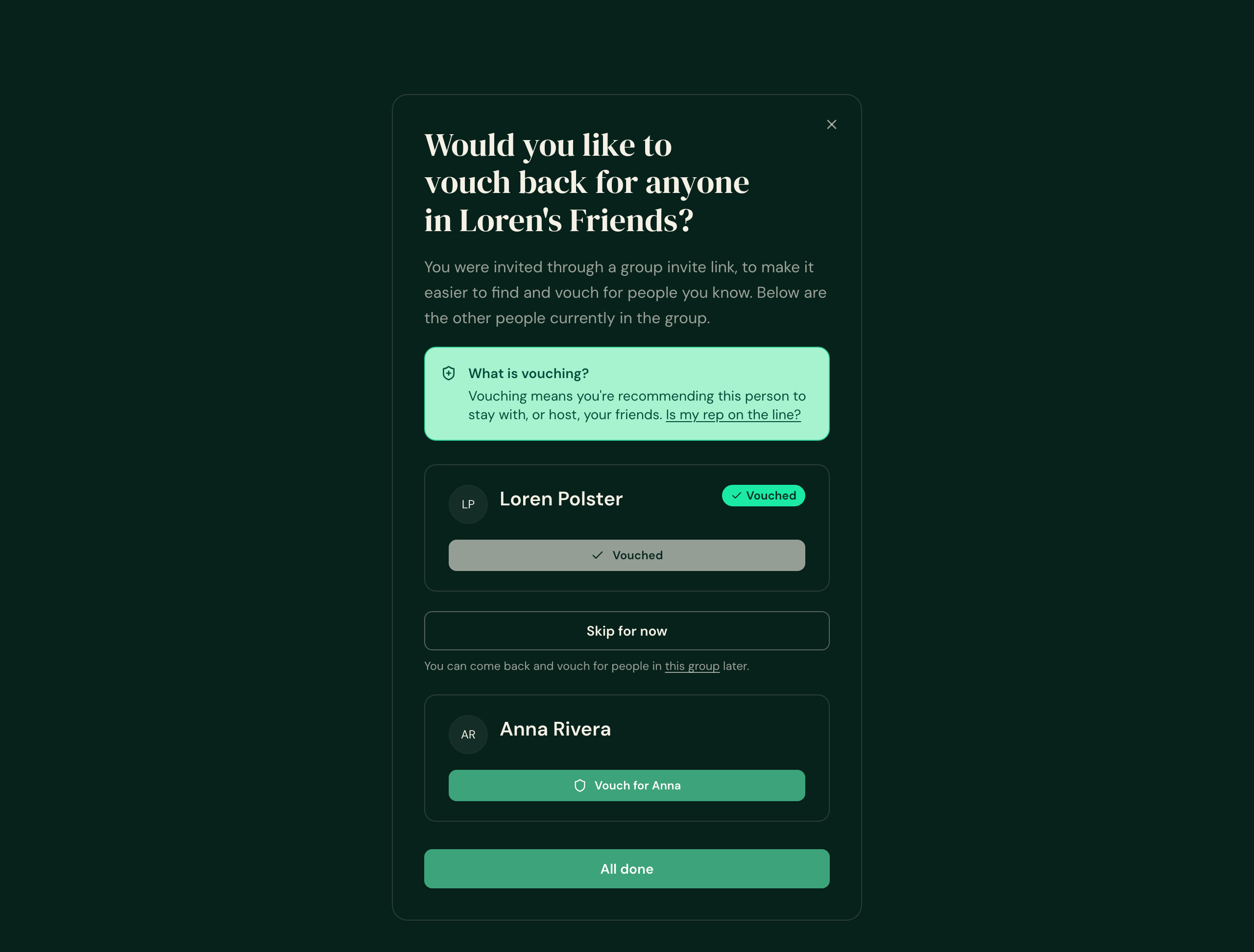
Each one is shown as it looked before and how it looks now, on a phone (390px) and on a desktop (1280px). Screens are the real app screens driven with stand-in demo people (Loren Polster, Anna Rivera, Ben Osei, and a viewer called Sam Carter) — the names and dates are stand-ins, the screens are not.
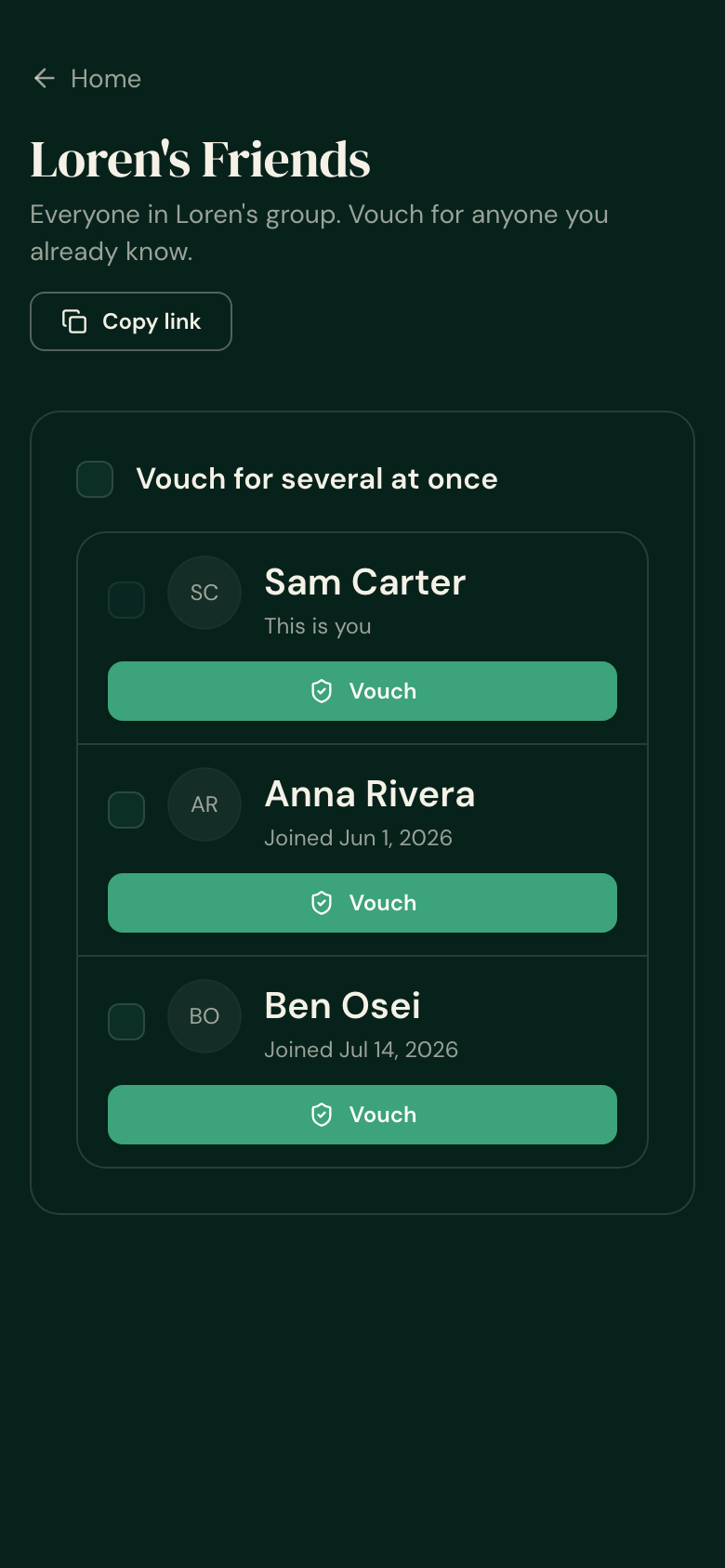
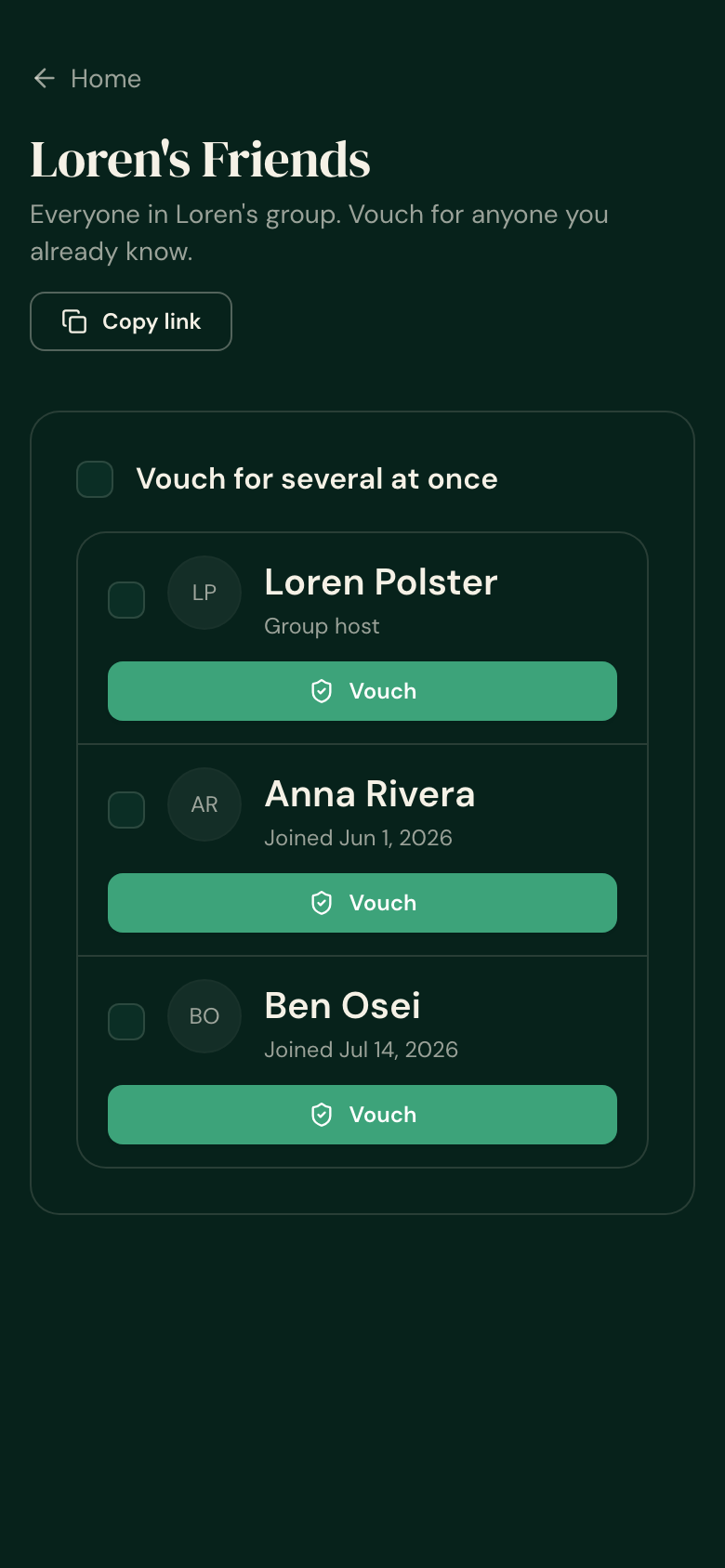
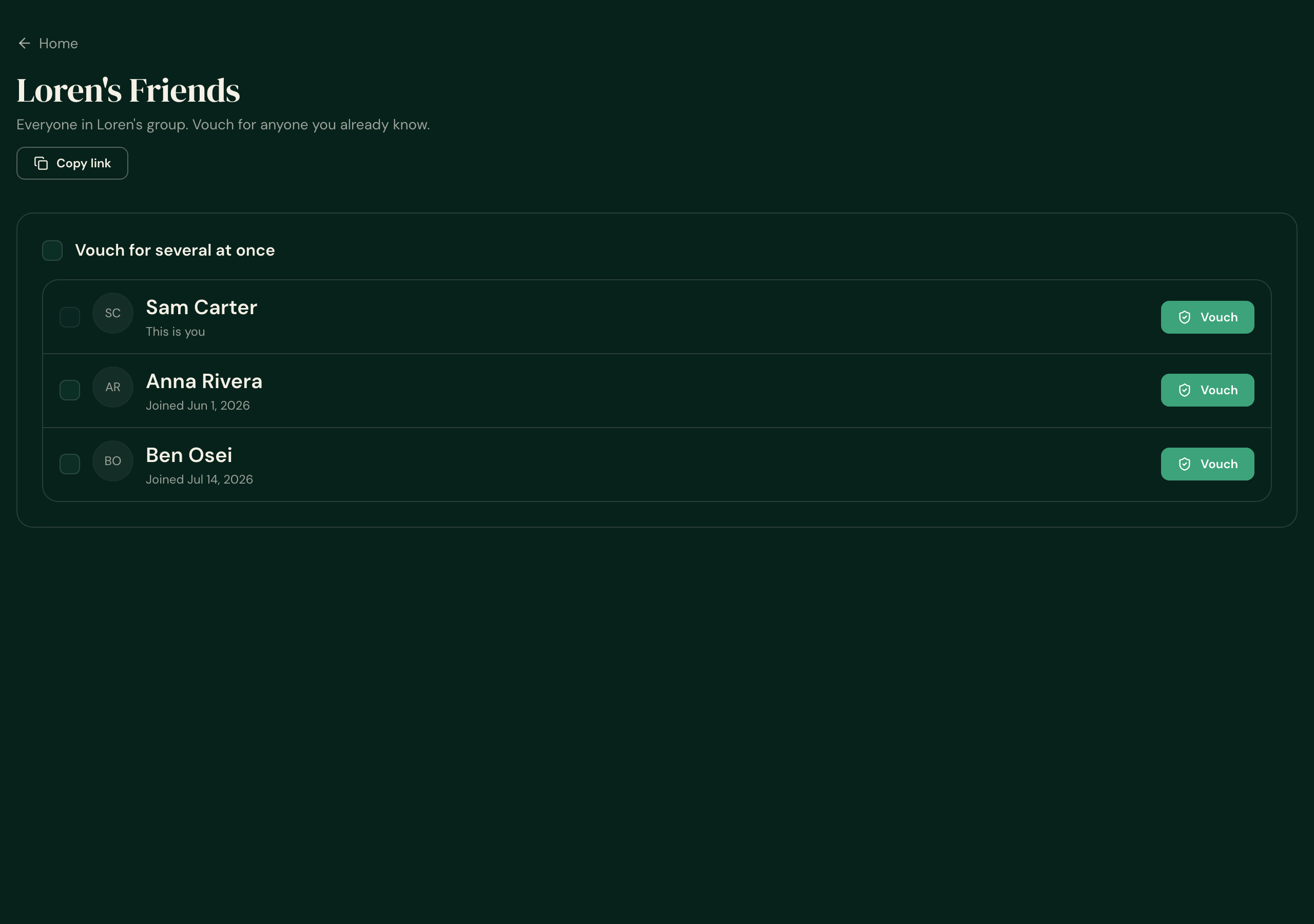
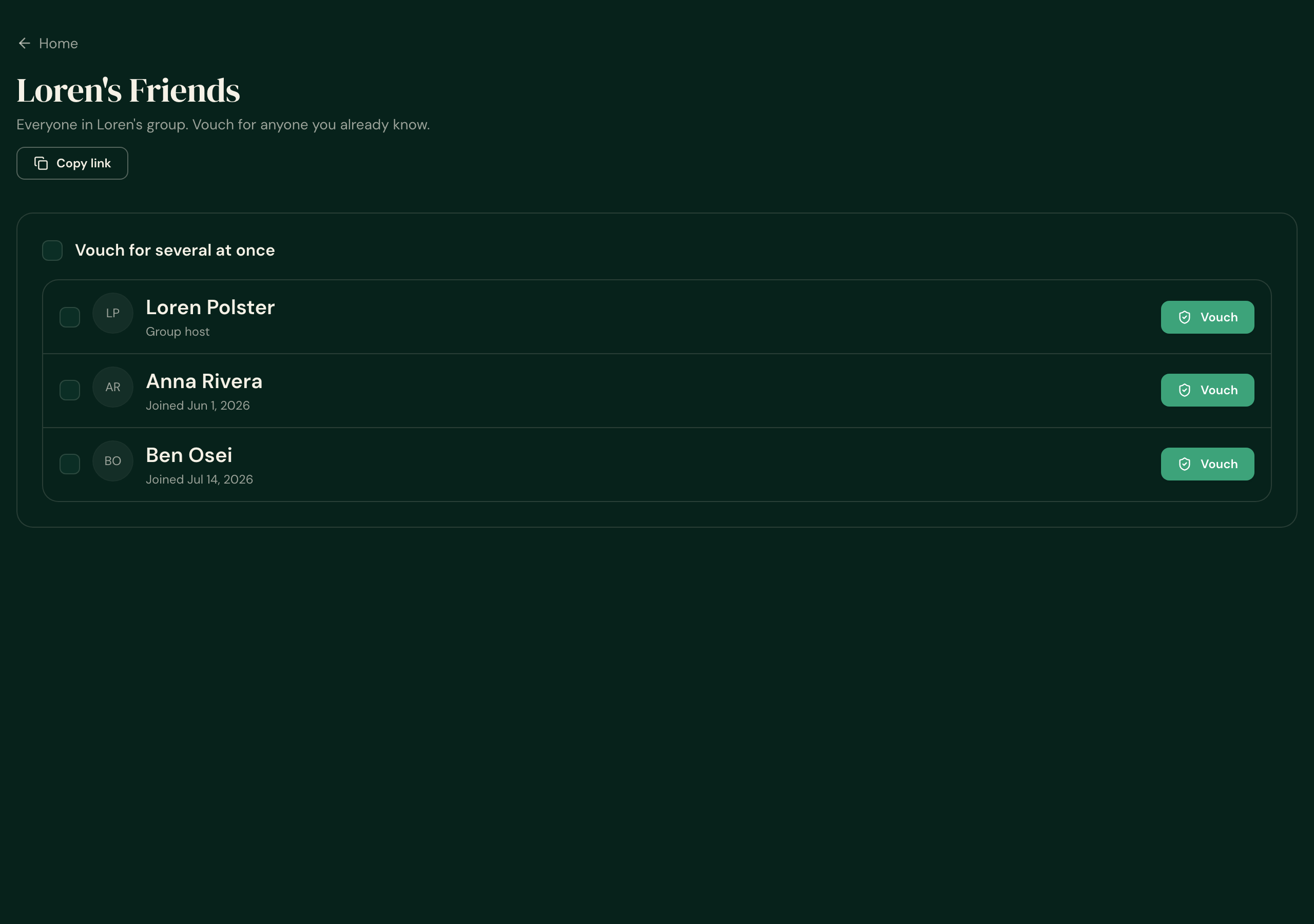
The group page showed you instead of the host
Open a group you were invited to and the list showed your own name — with a "Vouch" button next to it — and never showed the person whose group it is.
Now the host is at the top, labelled Group host, followed by the other members. Your own row is gone. Nothing changes for the person who created the group.
Joining a group told you nothing
You tapped Join, the page changed, and nothing confirmed it had worked.
Now a short confirmation appears the moment you land — "You joined Loren's Friends." — using the same green confirmation strip the rest of the app uses. It appears on a real join only, and only once: reloading or coming back later never repeats it.
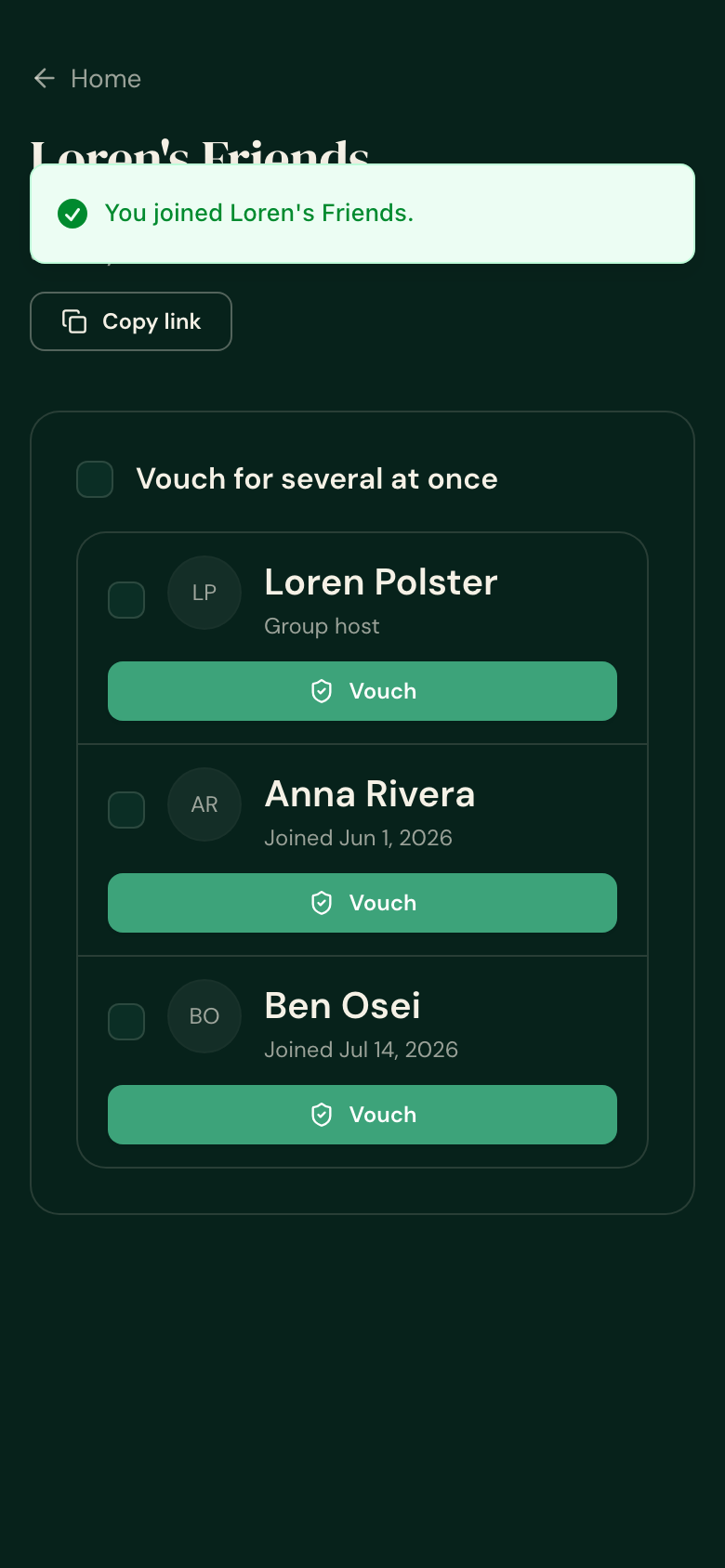
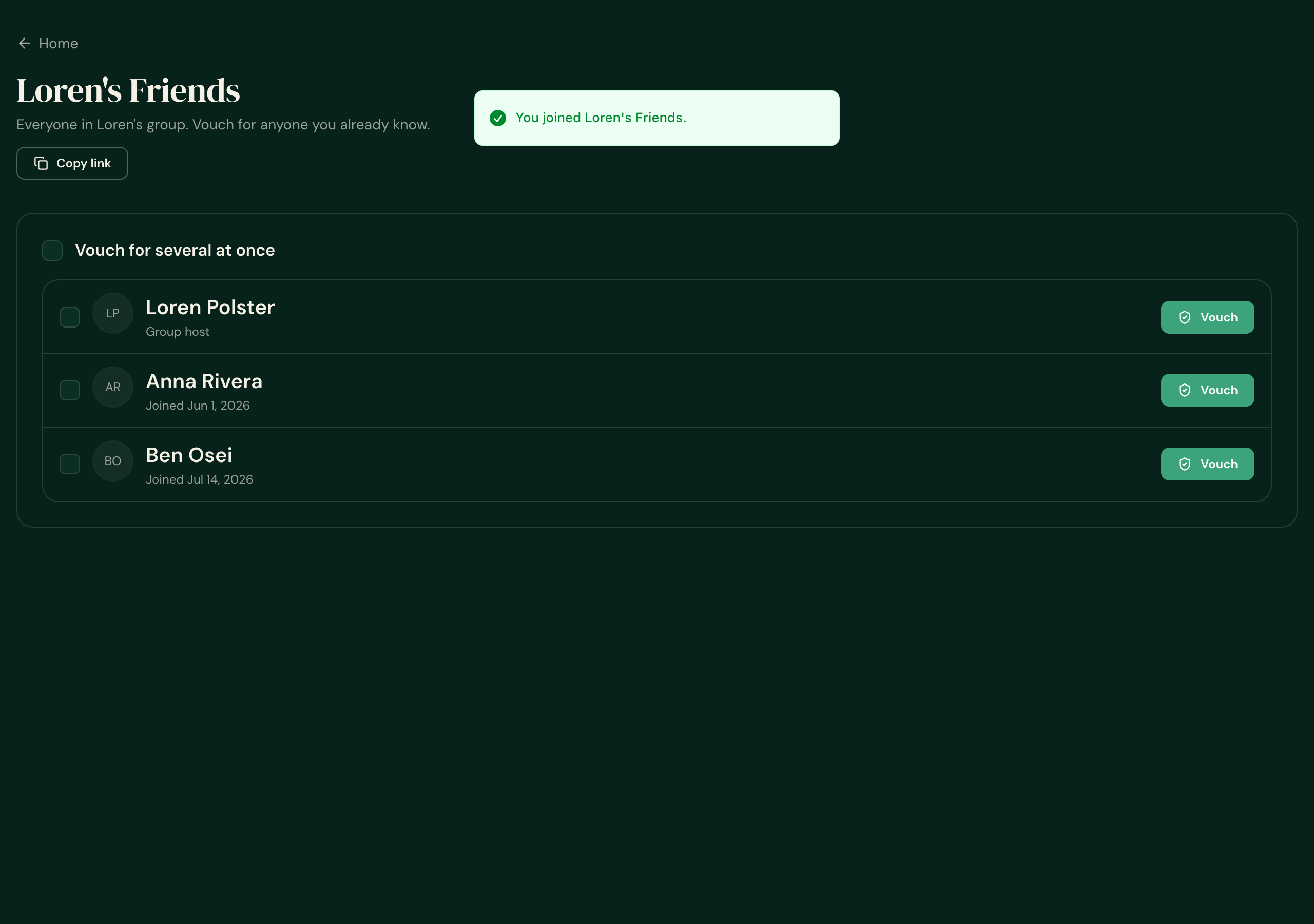
The confirmation sits a little high in these shots because the test page has no top bar above it; in the app it clears the header.
It kept asking you to vouch for someone you'd already vouched for
After you vouched someone back, the page reloaded and asked you to vouch for the same person all over again.
The screen now checks who you've already vouched for, so a finished vouch shows as Vouched and stays that way through a reload.